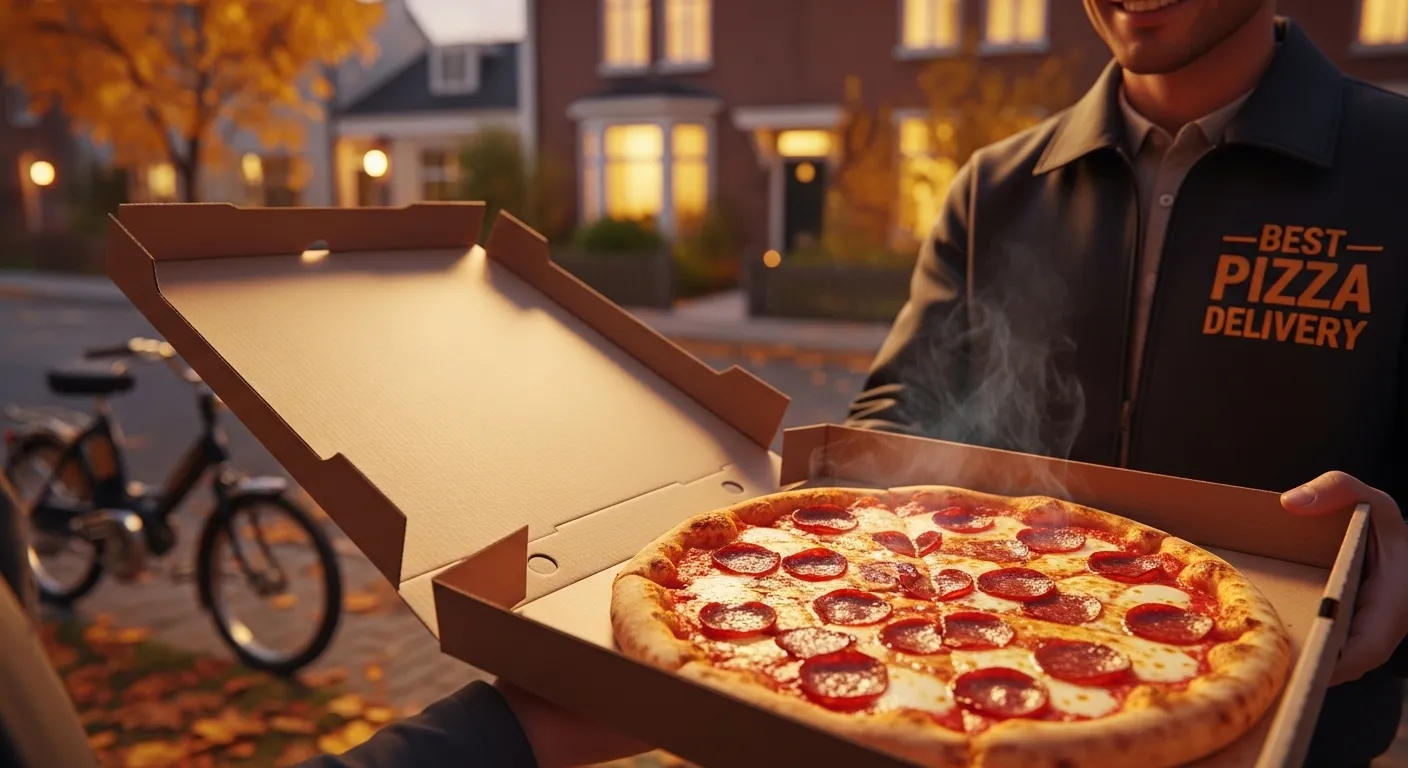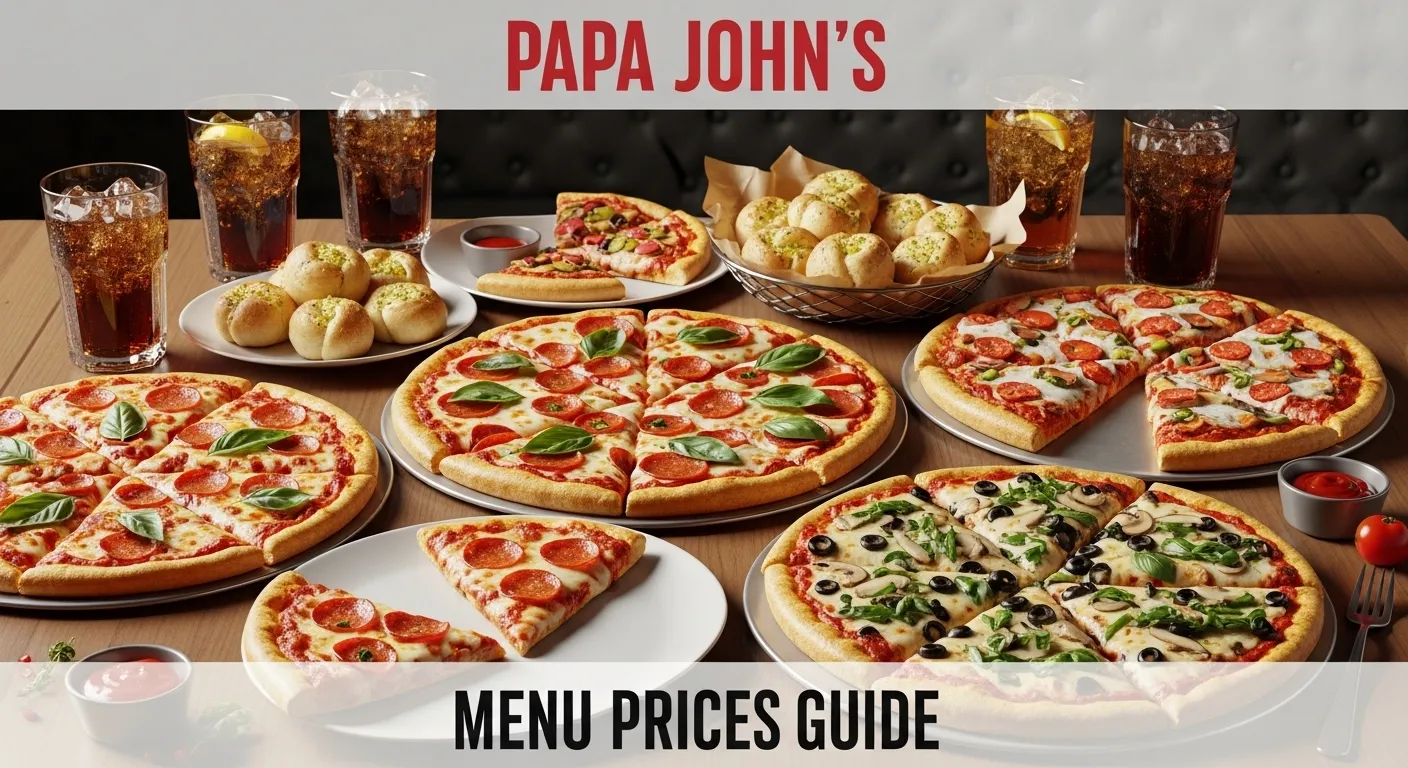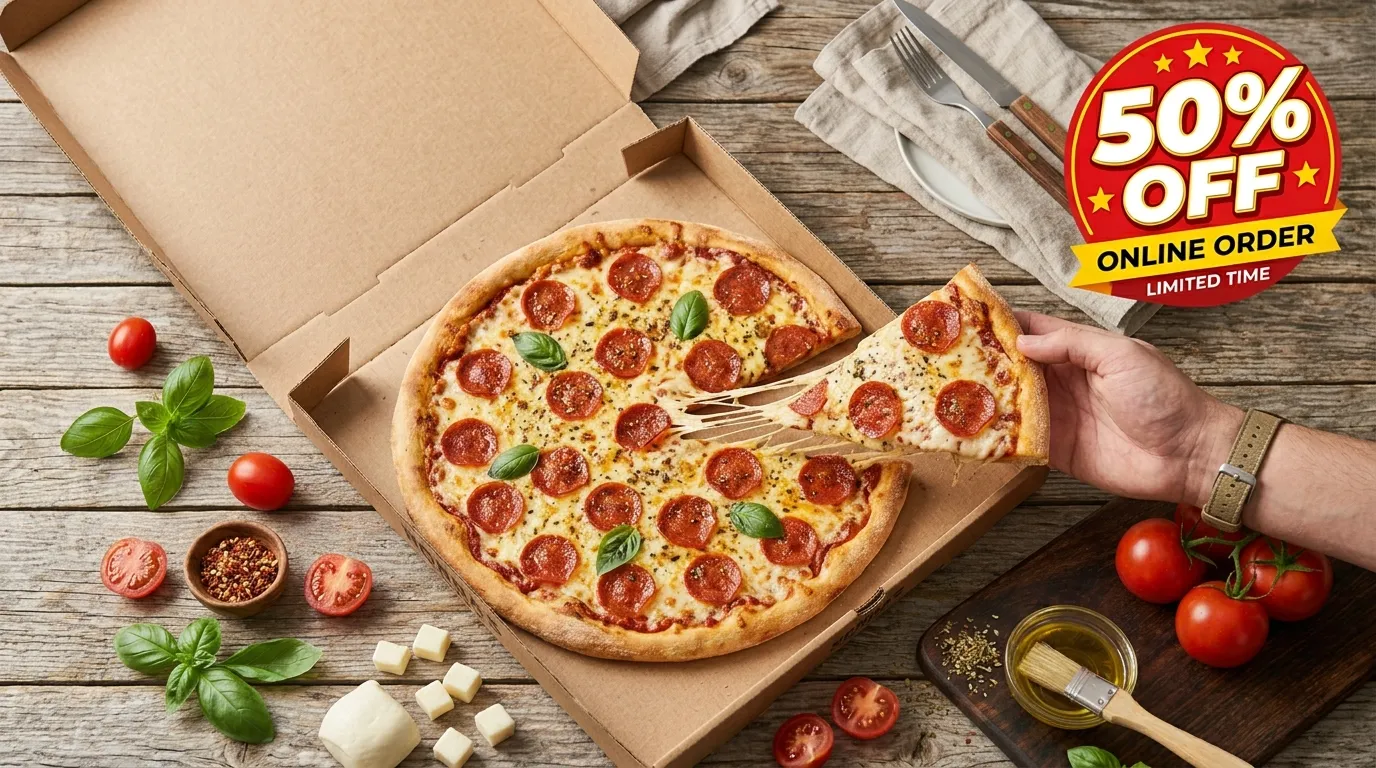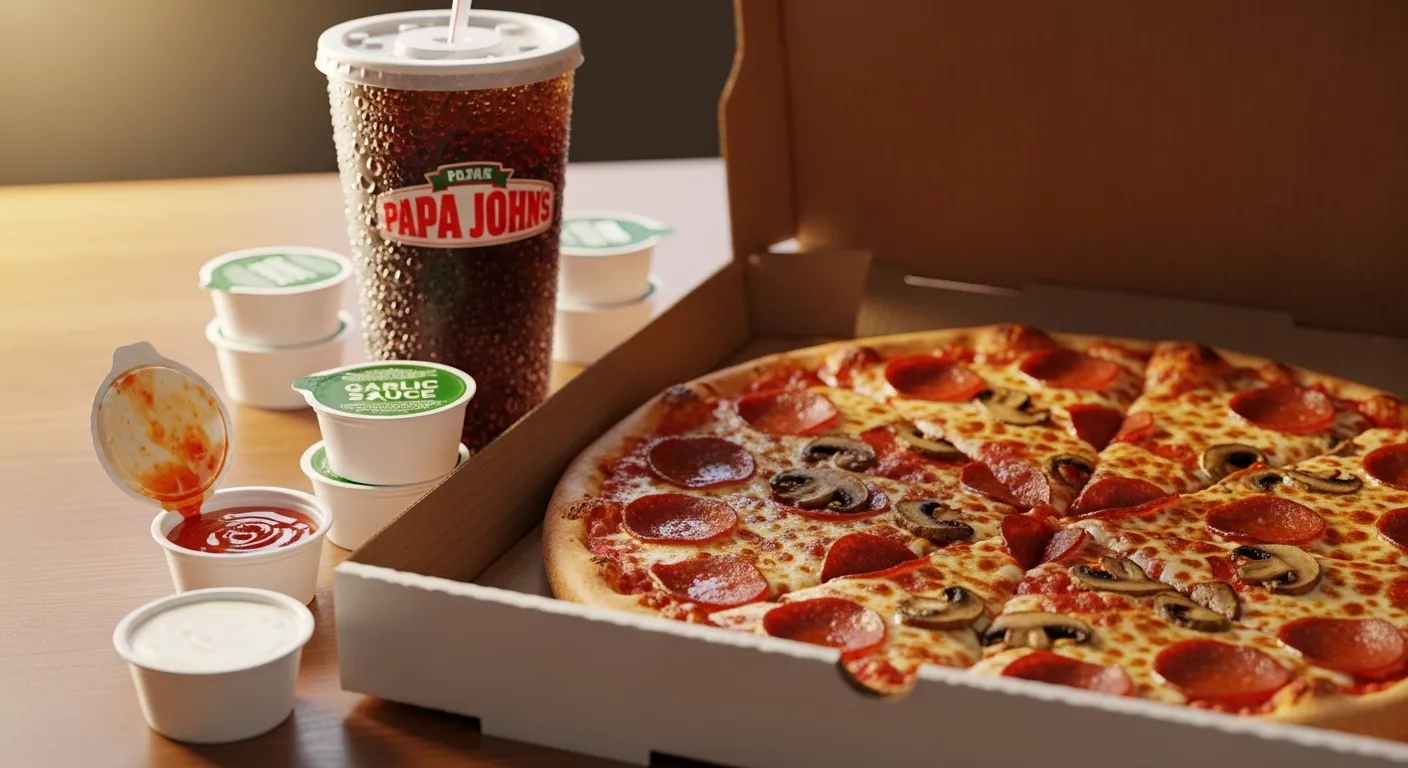
This complete menu guide covers every Papa Johns ordering method, step-by-step instructions, delivery fees, promo code tricks, and how to use the Papa Track feature so you always know where your pizza is.
How to Place a Papa Johns Order in 2026 — 5 Ways Compared
Papa Johns gives customers five main ways to order. Each has its own pros and cons depending on your situation.
| Ordering Method | Best For | Rewards Eligible | Promo Codes |
|---|---|---|---|
| PapaJohns.com (website) | Full menu + most deals | ✅ Yes | ✅ Yes |
| Papa Johns App (iOS/Android) | Fastest reorder + tracking | ✅ Yes | ✅ App exclusive deals |
| Phone | Seniors, limited internet | ❌ No rewards | ❌ Limited |
| DoorDash / Uber Eats / Grubhub | Late night, third-party deals | ❌ No Papa Rewards | ❌ Limited |
| Carryout In Store | Fastest pickup + no delivery fee | ✅ Yes | ✅ Yes |
Bottom line: For best value, order through the Papa Johns website or app — you'll earn Papa Rewards points and have access to all current promo codes.
Method 1: How to Order Papa Johns Online (Website)
Ordering from papajohns.com is the most popular method and gives you the widest selection of deals, coupons, and customization options.
Step by step:
- Go to papajohns.com or visit our menu with prices.
- Enter your delivery address or choose "Carryout" to find your nearest store.
- Browse the menu — Classic Pizzas, Super Loaded, Papadias, Sides, Desserts, Drinks.
- Customize your order — choose your crust, size, toppings, sauce, and dipping cups.
- Add to cart and review your items.
- Apply your promo code — check verified Papa Johns coupons before checkout.
- Choose your payment — Visa, Mastercard, Amex, Discover, Apple Pay, Google Pay, PayPal, or gift card.
- Place your order and receive a confirmation with your Papa Track link.
Pro tip: Always log in to your Papa Rewards account before ordering online. Every dollar you spend earns Papa Dough points toward free pizza.
Method 2: How to Order Papa Johns on the App
The Papa Johns app (free on iOS and Android) is the fastest way to reorder your favorites and includes exclusive app-only promo codes not available anywhere else.
What the app offers:
- One tap reorder from your last 90 days of orders
- Exclusive app-only deals and push notification alerts for flash sales
- Papa Track real-time delivery tracking
- Future Ordering — schedule your pizza up to 7 days in advance
- Multiple saved addresses and payment methods
- Google Pay and Apple Pay support for instant checkout
App exclusive benefit: Papa Johns regularly sends push notification deals like "40% off your next order" exclusively to app users. Turn on notifications to never miss a deal.
Method 3: How to Order Papa Johns by Phone
If you prefer to order by phone, call your local Papa Johns store directly. You can find the number for your nearest location using the Papa Johns store locator.
Note: Phone orders don't earn Papa Rewards points and typically don't accept online promo codes. For maximum savings, stick to the website or app.
Method 4: Papa Johns Order via DoorDash, Uber Eats & Grubhub
You can also order Papa Johns through third-party delivery apps. This is convenient when you already have a DoorDash or Uber Eats subscription or when a platform is running its own promotion.
Important things to know before ordering through third-party apps:
- Prices may be higher — third-party apps sometimes charge menu markups of 10 to 20% above the regular price
- Papa Rewards points are NOT earned on third-party orders — only direct Papa Johns orders qualify
- Papa Johns promo codes do not work on DoorDash, Uber Eats, or Grubhub
- DashPass subscribers can get free delivery on Papa Johns orders above the minimum
- Delivery time estimates are handled by the third-party app, not Papa Johns
Verdict Use DoorDash or Uber Eats when you have a subscription discount or a platform specific deal. Otherwise, order directly through Papa Johns to earn rewards and use promo codes.
Papa Johns Delivery vs Carryout — Which Is Better?
Delivery:
- Delivery fee ranges from $3.99 to $5.99 depending on your location
- Many locations offer free delivery on orders over $40
- Estimated wait time: 25 to 45 minutes depending on distance and store traffic
- No contact delivery is available by default on all orders
- You can track your order door to door with Papa Track
Carryout:
- No delivery fee — you pick up at the store
- Usually faster — typically 15 to 20 minutes from order to pickup
- Papa Johns often runs carryout exclusive deals, especially for large pizzas
- Full Papa Rewards points earned just like delivery
Bottom line If you live close to a Papa Johns and want to save on fees, carryout is the smarter choice. For convenience, delivery is hard to beat.
How to Cancel a Papa Johns Order Online — Step by Step
Papa Johns mein cancel karna possible hai — lekin timing bahut important hai. Agar aapka order abhi dough prep stage mein nahi pahuncha, toh cancellation usually hoti hai. Neeche teenon tareeqe diye gaye hain.
How to Cancel on the Website
- PapaJohns.com par jao aur apne account mein login karo.
- Top right corner mein apna naam click karo, phir "My Orders" select karo.
- Recent order dhundho jise cancel karna hai.
- Agar "Cancel Order" button available hai — click karo aur confirm karo.
- Agar button available nahi — seedha store call karo.
Note: Cancellation button tabhi show hoga jab order abhi dough prep stage par nahi pahuncha. Baad mein yeh option disappear ho jata hai.
How to Cancel on the App
- Papa Johns app kholo (iOS ya Android).
- Bottom navigation mein "Orders" tab par tap karo.
- Active order select karo.
- "Cancel Order" option dhundho — agar available hai toh tap karo aur confirm karo.
- Agar option nahi dikh raha — app se store ka number nikaalo aur call karo.
How to Cancel by Phone
Phone se cancel karna sabse reliable method hai, especially agar order web/app mein manually cancel nahi ho raha.
- Store locator se apne nearest Papa Johns ka number nikaalo.
- Store par call karo aur apna order number batao (confirmation email mein hoga).
- Manager se cancel request karo — jitni jaldi call karo utna behtar.
- Refund 3–5 business days mein aata hai card par.
- Store par call karna sabse fast method hai.
Can I Cancel After the Order is Being Made?
Short answer: Mushkil hai, lekin try karo. Agar Papa Track show karta hai ke order "Baking" stage mein aa gaya hai toh cancellation typically nahi hoti — store manager ki discretion hoti hai. Agar "Order Received" ya "Dough Prep" stage hai toh jaldi call karo.
| Papa Track Stage | Cancel Possible? | Action |
|---|---|---|
| Order Received | ✅ YES — easily | Website/App ya call |
| Dough Prep | ✅ Usually YES | Jaldi call karo store |
| Baking | ❌ Unlikely | Try calling — manager decide karega |
| Quality Check | ❌ NO | Order ready ho gaya |
| Out for Delivery | ❌ NO | Order aa raha hai |
Papa Johns Order Tracker — How to Track Your Papa Johns Order
Want to track my Papa Johns order in real time? Papa Johns ka built-in Papa Track system use karo — jo automatically activate hota hai jab aap online ya app se order karte hain. Papa johns order tracking is super easy: simply log in to your account and your active order status shows up immediately. Whether you need to track a Papa John's order placed 10 minutes ago or check if your delivery driver has left — Papa Track covers every stage, from dough prep to your front door.
The 5 stages of Papa Track:
- Order Received — your order has been confirmed and sent to the store
- Dough Prep — fresh dough is being hand-tossed for your pizza
- Baking — your pizza is in the oven
- Quality Check — team member inspects your order before it leaves the store
- Out for Delivery — your driver is on the way
Papa Track makes Papa Johns one of the most transparent pizza delivery services in the US — you'll never be left wondering where your order is.
Papa Johns Promo Codes & Deals
The best way to save on a Papa Johns order is to use a verified promo code before checkout. Papa Johns regularly offers:
- 25% off your entire online order
- BOGO (Buy One Get One) pizza deals
- $10 off orders over $30
- Large pizza for $9.99 carryout specials
- 50% off when ordering through the app
Pro tip: Stack your promo code with a Papa Rewards redemption for maximum savings. For example, apply a 25% off code AND redeem Papa Dough points on the same order to minimize your total.
Papa Rewards — Earn Points on Every Papa Johns Order
Every $1 you spend earns Papa Dough points. Redeem Papa Dough toward any menu item — pizza, sides, desserts, drinks. Birthday reward: free dessert every year just for being a member! Create a free account at papajohns.com or in the app — it takes under 2 minutes and costs nothing.
What to Order — Papa Johns Best Items in 2026
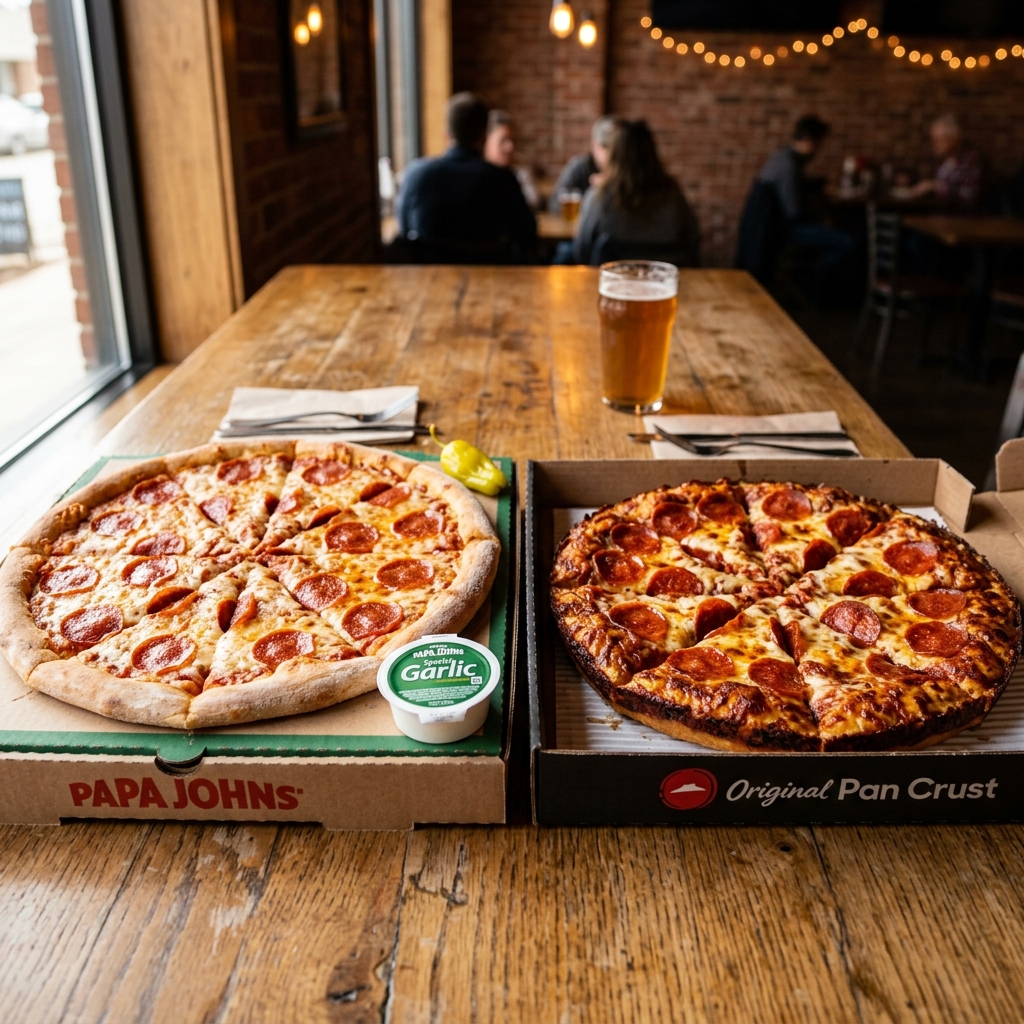
- Best Classic Pizzas: Pepperoni, The Works, The Meats
- Best Specialty Pizzas: BBQ Chicken Bacon, Fiery Buffalo Chicken, Shaq a Roni
- Best Sides: Garlic Knots, Breadsticks, Wings
- Best Desserts: Chocolate Chip Cookie, Cinnamon Pull Aparts, Oreo Papa Bites
Papa Johns Crust Options — Choose Before You Order
| Crust | Description | Extra Cost |
|---|---|---|
| Original Crust | Classic hand-tossed, medium thickness | Included |
| Thin Crust | Light, crispy, less dough | Included |
| New York Style | Large foldable slices, airy crust | Included |
| Epic Stuffed Crust | Mozzarella baked into the edge | +$3.00 |
| Garlic Stuffed Crust | Garlic herb butter + cheese in crust | +$3.50 |
Papa Johns Payment Methods — What You Can Use
- Credit/Debit Cards: Visa, Mastercard, American Express, Discover
- Digital Wallets: Apple Pay, Google Pay, PayPal
- Gift Cards: Papa Johns gift cards (physical and digital)
- Cash: Accepted for carryout orders at the store only
Common Papa Johns Order Problems — Quick Fixes
- My promo code isn't working: Check that the code hasn't expired. Make sure your cart meets the minimum order requirement.
- I can't track my order: Make sure you're logged in to the same account used when ordering. Check your email confirmation for the direct Papa Track link.
- I forgot to apply my promo code before checkout: Unfortunately, promo codes generally cannot be applied after an order is placed.
- My order is very late: Use Papa Track to check the current status. If the order shows "Out for Delivery" for more than 30 minutes, contact the store.